TikTok, Shorts and Reels safe zone checker
Drop in a picture or a video. See which parts the app buttons and captions will cover. Your file never leaves your device.
Drop a picture or a video here
Vertical 9:16 works best. Your file stays on your device.
- top
- 150 px
- bottom
- 440 px
- left
- 60 px
- right
- 150 px
Pixels covered on a 1080 by 1920 frame, approximate.
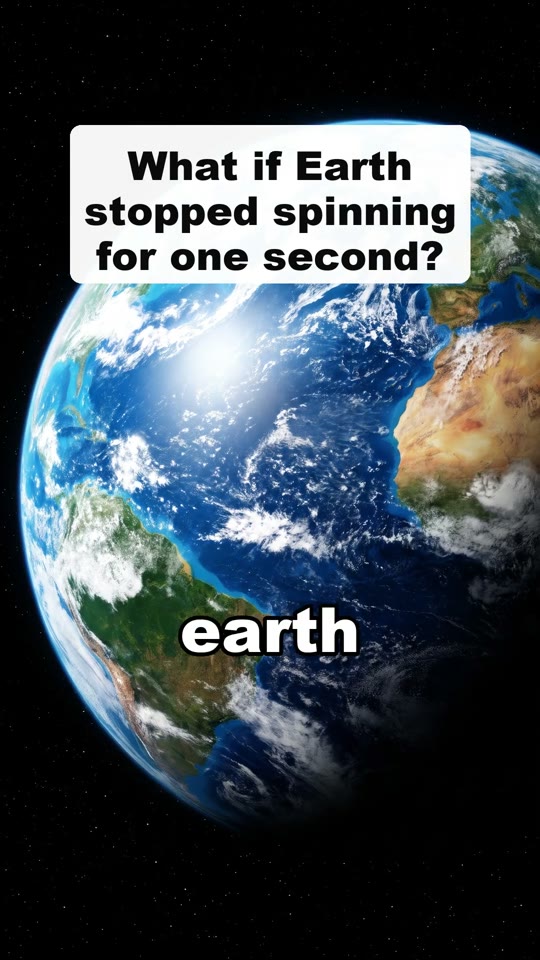
Sample frame from one of our own Shorts. Red: covered by TikTok. Inside the white line: safe.
Why the safe zone matters
Each app puts its own buttons on top of your video: the like and share buttons on the right, the caption and channel name at the bottom, a few tabs at the top.
Text or a face under those buttons gets hidden. Keep the important part of every frame in the clear middle area.
These lines are a guide
The shaded areas are close to where each app puts its buttons on a normal phone in 2026. Apps change their layout and long captions take more room, so leave a little extra space.
Questions
More questions? support@facelesshype.com