Text to video AI that turns one sentence into a finished Short
Most text to video AI tools turn a prompt into one silent clip. FacelessHype turns a sentence into a whole short video: scenes, a narrator, a visual for every line, captions and music.
1 free video, no card needed.
- Made with FacelessHype
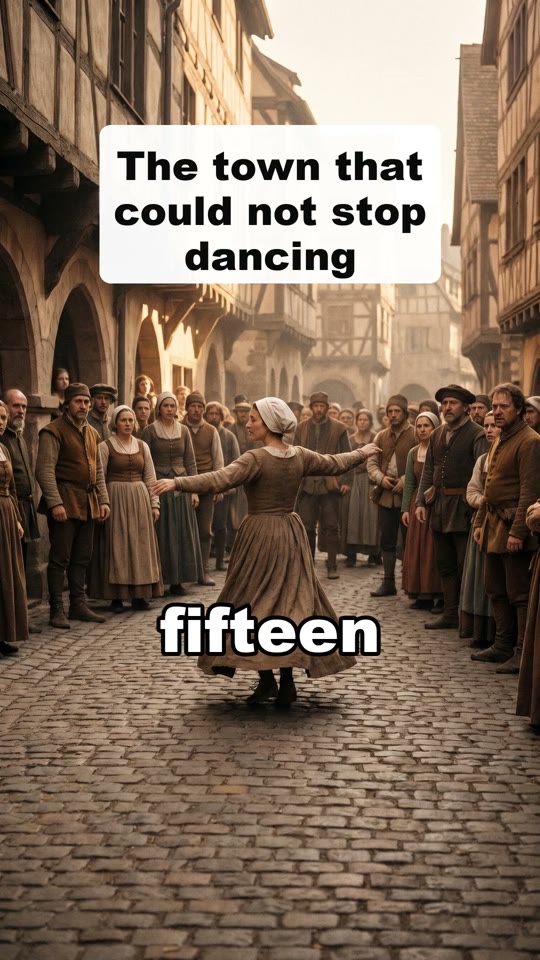
What happens to your text
Your sentence becomes short scenes with a hook first. Each scene gets one line of narration and a visual made for that line, with captions timed word by word.
- Made with FacelessHype
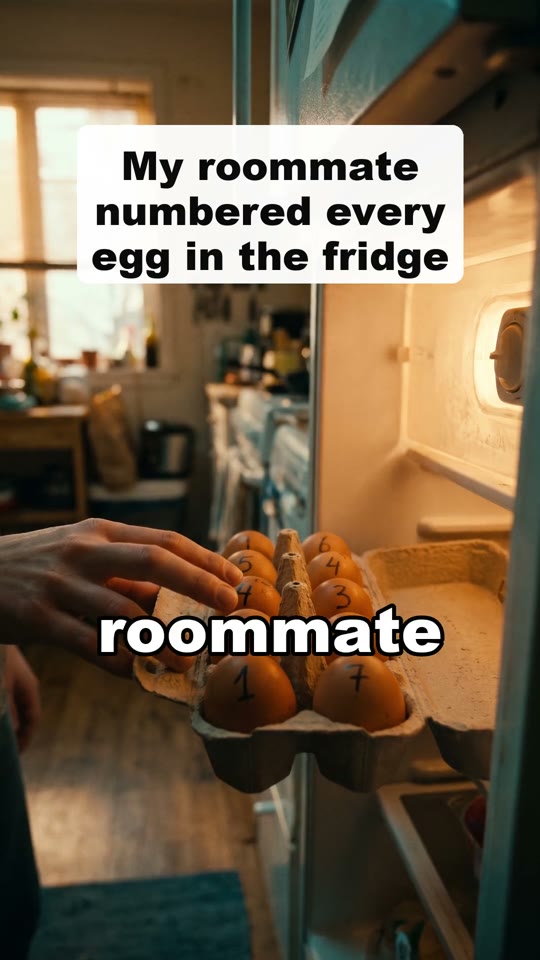
What to type
One clear idea, like "What if Earth stopped spinning for one second?" or "My roommate labeled every egg in the fridge". No prompt writing, and you can change any line after.
- Made with FacelessHype
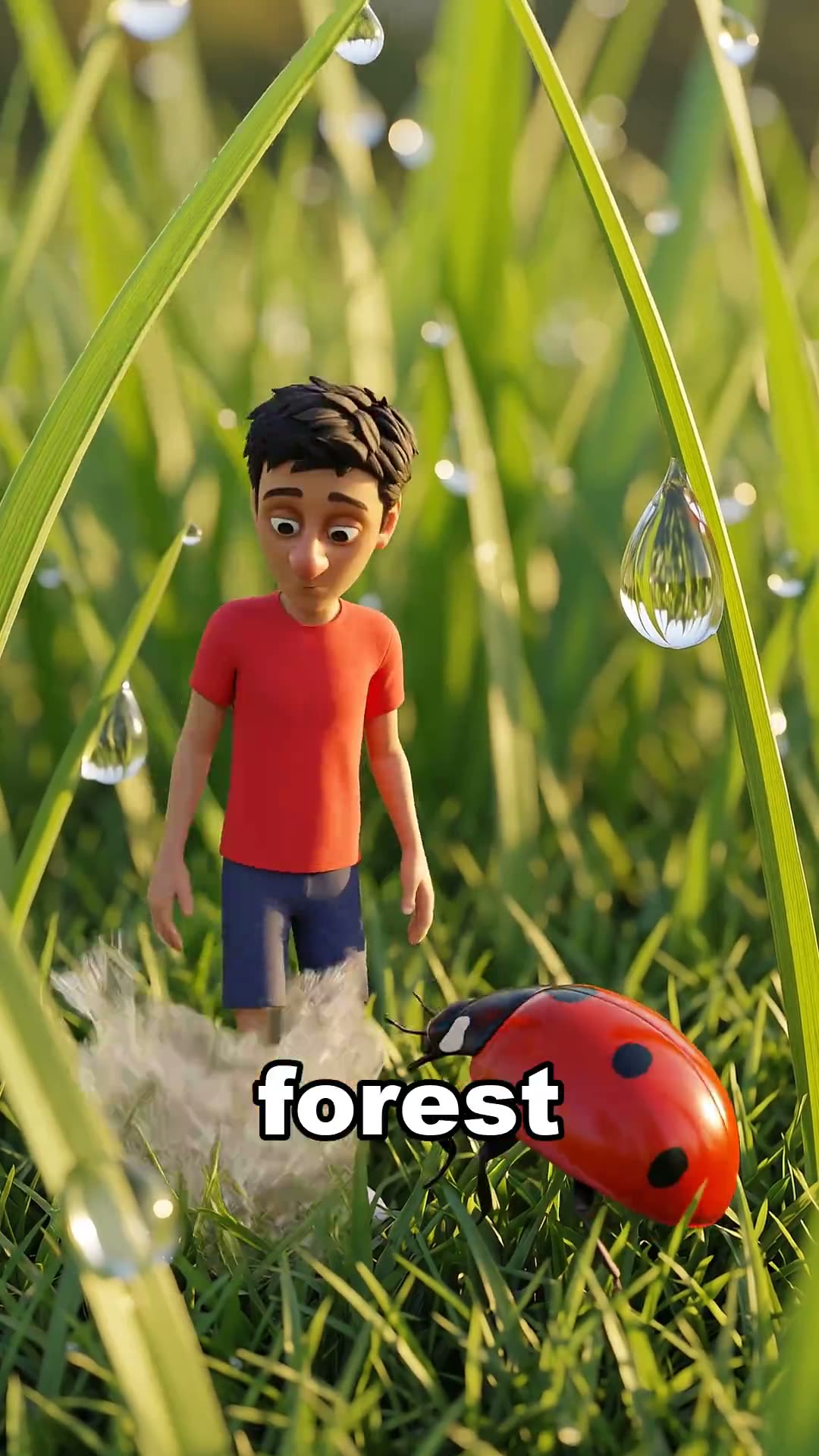
Every scene is AI video
Every scene is AI video, so people and things really move, not still images with a slow zoom: 39 credits for 30 seconds. The price shows first, and a failed video gives every credit back.
How it works
01
Type a sentence
Any idea, question or story in plain words. No prompt writing.
02
Press Create video
The script, voice, visuals, captions and music are made together. You see the price first.
03
Fix and download
Change a line or remake one clip, then download the 9:16 MP4 and post it yourself.
Formats that fit
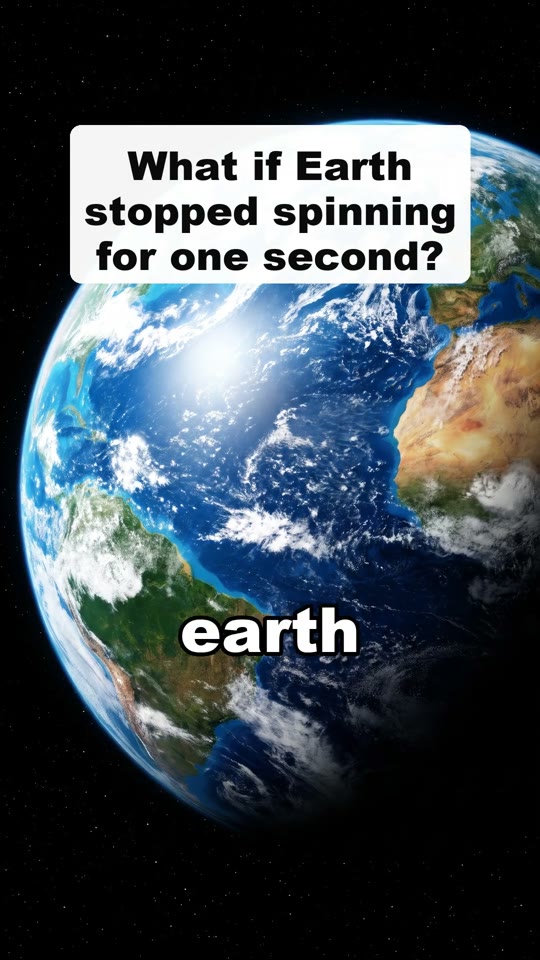
- Made with FacelessHypeWhat ifWhat if the moon disappeared? Big questions, wild answers.
- Made with FacelessHypeAI storiesCinematic mini films with the same characters in every scene.
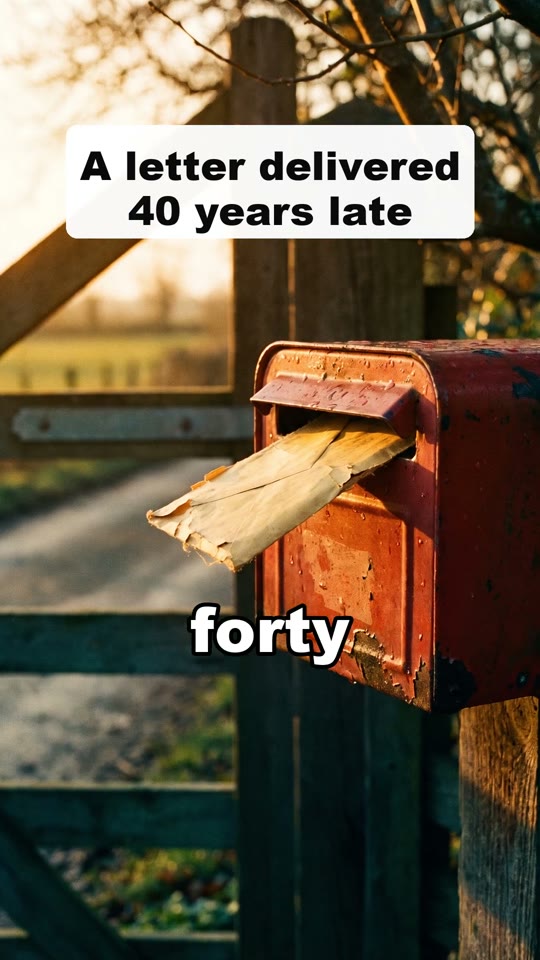
- Made with FacelessHypeFun factsFacts nobody guesses, explained fast with big visuals.
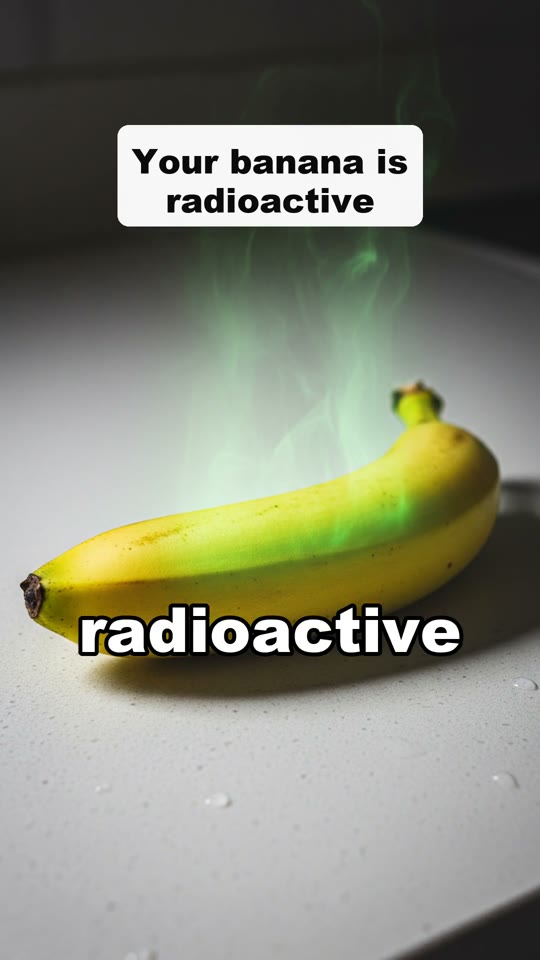
- Made with FacelessHypeHistoryThe strangest true stories from the past, told in 45 seconds.
- Made with FacelessHypeReddit storiesAITA, revenge and confession stories read over satisfying footage.
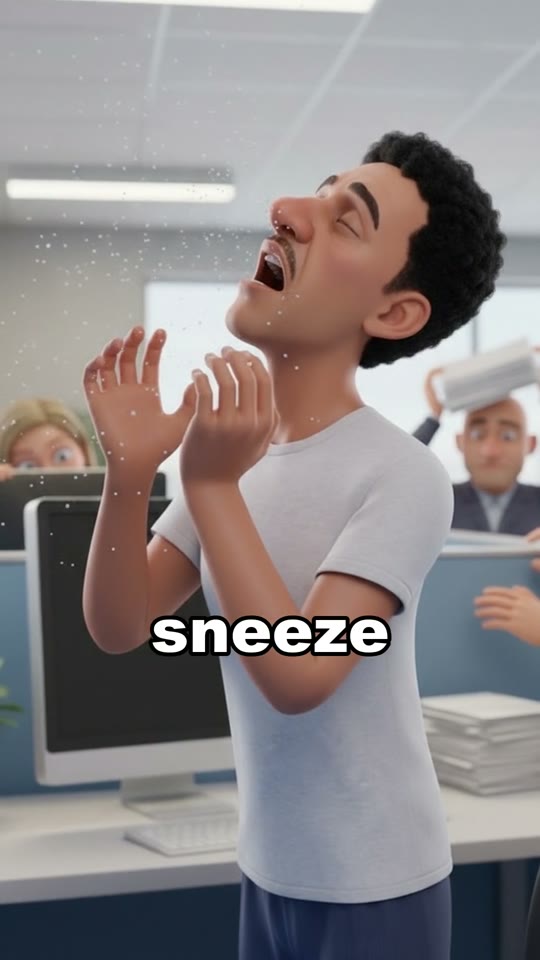
- Made with FacelessHype3D explainersCartoon 3D characters, and the camera dives inside to show how it works.
Questions
More questions? support@facelesshype.com
Guides
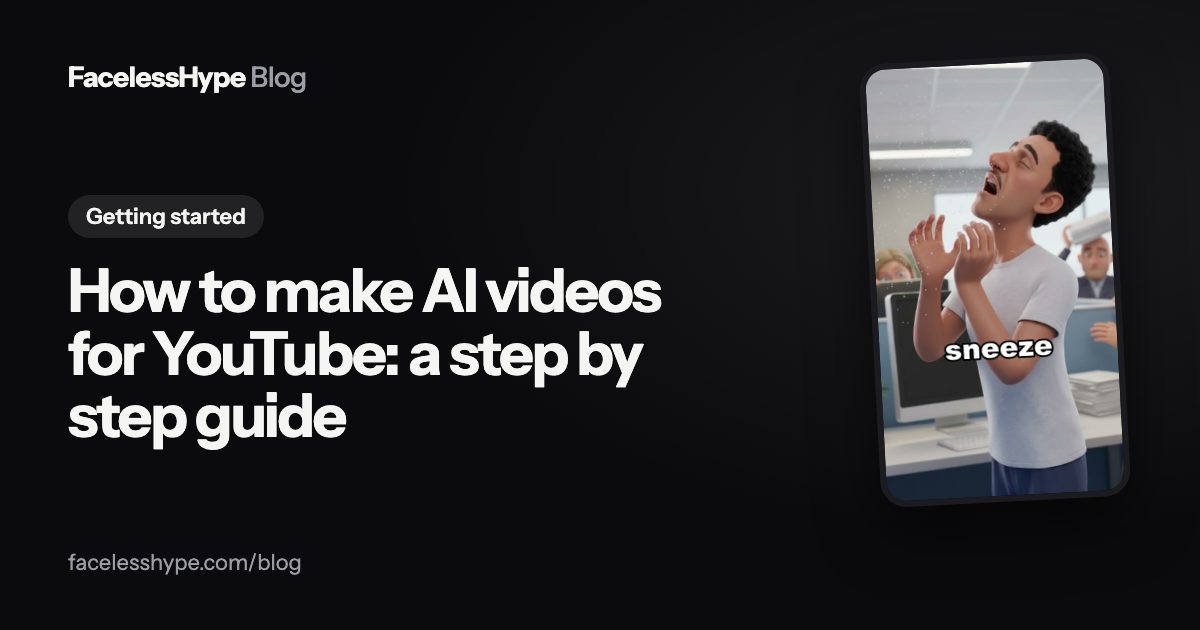 How to make AI videos for YouTube, step by step (Shorts and faceless channels)An AI video for YouTube is six small jobs: an idea, a script, a voice, visuals, captions and an edit. You can do each with a separate tool or all of them in one. Here is the full workflow, what each step needs, and the checks that keep the video inside YouTube's rules.
 How to write a YouTube Shorts script: a fill in template, a worked example and a prompt to copyA good Short is written before it is made. This guide gives you a five beat structure, a template you can fill in for any topic, a finished example script, and a prompt you can paste into any AI writing tool.
 How to add captions to YouTube Shorts: automatic, typed and burned inCaptions decide whether a Short works with the sound off, and many people watch that way. There are three ways to add them, each with a different job. Here is how to do each one, and which to pick.
Your first video is free.
Type an idea and get the finished video in one click.
Also see: YouTube Shorts maker, TikTok video generator, Faceless YouTube channel, AI video generator, Faceless reels, Reddit story videos, Faceless TikToks, AI video Shorts