YouTube Shorts size: aspect ratio, dimensions and export settings (plus TikTok and Reels)
Get the size wrong and a Short is not a Short: it lands in the regular video library with black bars. Here are the numbers that matter, where they come from, and one export setting that works for Shorts, TikTok and Reels.
By the FacelessHype team
5 min read
In this guide
- The official rule: shape and length decide
- YouTube Shorts dimensions and aspect ratio
- Export settings that work everywhere
- TikTok video size
- Instagram Reels dimensions
- The safe zone: where not to put text
- Common size mistakes
- What about the Shorts thumbnail?
- Length is a separate choice
- How FacelessHype handles size
- Quick answers
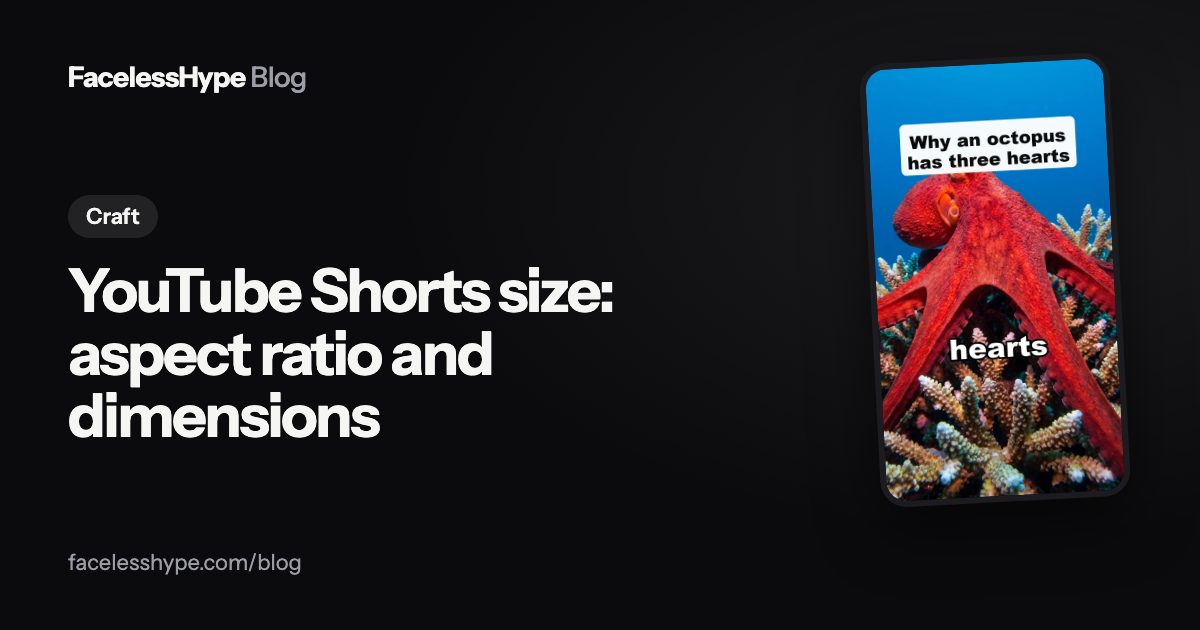
The right YouTube Shorts size is a vertical 9:16 video at 1080 x 1920 pixels, up to three minutes long. That one setting also works for TikTok and Instagram Reels, which is why most faceless creators export a single file for all three.
Below are the official rules, the export settings we recommend, and the mistakes that turn a Short into a regular video.
The official rule: shape and length decide
YouTube does not have a "Short" checkbox. It looks at two things. According to its help page on three minute Shorts, uploads with "a square or vertical aspect ratio up to three minutes in length" are treated as Shorts. That applies to videos uploaded after October 15, 2024 on standard channels.
So a video is a Short when both are true:
- The aspect ratio is square (1:1) or vertical (taller than it is wide, usually 9:16).
- It is three minutes or shorter.
If you want a vertical video to stay out of Shorts, YouTube's advice is the reverse: use a wider frame such as 16:9.
YouTube Shorts dimensions and aspect ratio
| Setting | Recommended | Why |
|---|---|---|
| Aspect ratio | 9:16 | Fills a phone screen with no bars |
| Resolution | 1080 x 1920 pixels | A 9:16 frame at 1080p |
| Also accepted | 720 x 1280 | Still 9:16, lower detail |
| Square option | 1080 x 1080 | Counts as a Short, but leaves empty space on a phone |
| Length | Up to 3 minutes | Longer videos are regular videos |
The 1080 x 1920 figure is simply what 9:16 looks like at 1080p. YouTube's encoding guide says that for vertical or square uploads "the player automatically adapts itself to the size of the video," so there is no special Shorts resolution to hit. Higher detail just looks sharper.
Export settings that work everywhere
YouTube's recommended upload settings are a safe default for any short video platform:
- Container: MP4, with the "moov atom at the front of the file (Fast Start)."
- Video codec: H.264, High Profile, progressive scan.
- Frame rate: the same as you recorded or rendered. YouTube lists "24, 25, 30, 48, 50, 60 frames per second" as common rates.
- Audio: AAC, sample rate 48kHz.
- Bitrate at 1080p: YouTube recommends 8 Mbps for standard frame rates and 12 Mbps for high frame rates.
If your editor has a "YouTube 1080p" preset, switch the frame to vertical and you are done.
TikTok video size
TikTok uses the same vertical shape. The limits TikTok publishes for its Content Posting API, the official way apps upload to TikTok, give a good picture of what it accepts:
- MP4 (recommended), WebM or MOV
- H.264 (recommended), H.265, VP8 or VP9
- At least 23 and at most 60 frames per second
- At least 360 pixels and at most 4096 pixels on each side
- Files up to 4GB
- Up to 10 minutes when sent through that API
A 1080 x 1920 MP4 sits comfortably inside all of these. Keep in mind that TikTok's Creator Rewards Program only pays for videos over one minute, so length is a separate choice from size.
Instagram Reels dimensions
Meta's Reels specifications for developers say the aspect ratio can be anything "between 0.01:1 and 10:1 but we recommend 9:16 to avoid cropping or blank space." The same page lists:
- MOV or MP4
- 23 to 60 frames per second
- At most 1920 pixels wide
- From 3 seconds up to 15 minutes
- Files up to 300MB
Again, a 1080 x 1920 MP4 fits. If you post the same video to all three apps, see our guide to cross posting TikTok videos to YouTube Shorts for the parts that are not about size, such as watermarks.
The safe zone: where not to put text
All three apps draw buttons, the channel name and the caption on top of your video. The exact areas change with app updates and phone sizes, so treat these as working rules rather than fixed pixel values:
- Keep text out of the bottom third. That is where the caption and channel name sit.
- Leave a margin on the right. Like, comment and share buttons run down that side.
- Keep the top few percent clear for the status bar and app tabs.
- Put your hook text in the middle of the frame, slightly above center.
Captions burned into the video follow the same rule. Our guide on adding captions to YouTube Shorts covers placement and style.
Common size mistakes
- Exporting 16:9 by accident. The video becomes a regular upload and never reaches the Shorts feed. Our list of reasons Shorts are not getting views starts with this one.
- Black bars baked into the file. A 16:9 clip placed on a vertical canvas with black above and below wastes most of the screen. Crop or reframe instead.
- Going over three minutes. Even one second over turns a Short into a regular video.
- Upscaling a small file. Exporting a 480p clip at 1080p does not add detail. Start from the highest quality source you have.
- Changing frame rate on export. It can cause stutter. Keep the rate you made the video at.
What about the Shorts thumbnail?
Shorts are mostly found by swiping, so the first frame does more work than the thumbnail. The thumbnail still shows on your channel page and in search. YouTube's July 2026 update says you can pick any frame through the YouTube app on mobile, choose from three suggested frames on desktop, and that creators in the YouTube Partner Program can upload custom Shorts thumbnails, with more creators to follow.
Length is a separate choice
Size decides whether a video is a Short. Length decides whether people finish it. Our guide on how long a YouTube Short should be covers why shorter often wins and when to go past one minute.
How FacelessHype handles size
Every FacelessHype video is vertical 9:16, the size YouTube Shorts uses, so the same MP4 works on Shorts, TikTok and Reels without cropping. The Starter plan exports at 720p; Creator, Pro and Studio export at 1080p. Captions are placed clear of the area the apps cover. You download the file and upload it yourself. Start from the YouTube Shorts maker or the TikTok video generator, or pick a niche on the formats page.
Quick answers
What size is a YouTube Short? 9:16 vertical, ideally 1080 x 1920 pixels, up to three minutes.
Can a YouTube Short be horizontal? No. A 16:9 video is treated as a regular video. Square (1:1) still counts as a Short.
Is 720p okay for Shorts? Yes. 720 x 1280 is still 9:16. 1080 x 1920 looks sharper on larger phones.
Is the TikTok video size the same as Shorts? Yes, 9:16 at 1080 x 1920 works on both, and on Instagram Reels.
Which file format should I upload? MP4 with H.264 video and AAC audio. YouTube recommends it, TikTok lists MP4 and H.264 as recommended, and Instagram accepts MP4, so one export covers all three apps.
Sources
Platform rules change, so check the source before you rely on a figure.
- YouTube Help: Understand three-minute YouTube Shorts
- YouTube Help: Recommended upload encoding settings
- TikTok for Developers: Content Posting API media transfer guide (video restrictions)
- Meta for Developers: Instagram Graph API, IG User Media (Reels specifications)
- YouTube Blog (July 24, 2026): YouTube Studio custom thumbnail updates
Written by the FacelessHype team. FacelessHype is not affiliated with YouTube or TikTok. Nothing here is a promise of views or income.